
Log In to Your Client Dashboard
- Visit the Ruachost Client Area.
- Sign in using your email address and password
Access the DNS Manager.
From the Ruachost dashboard:
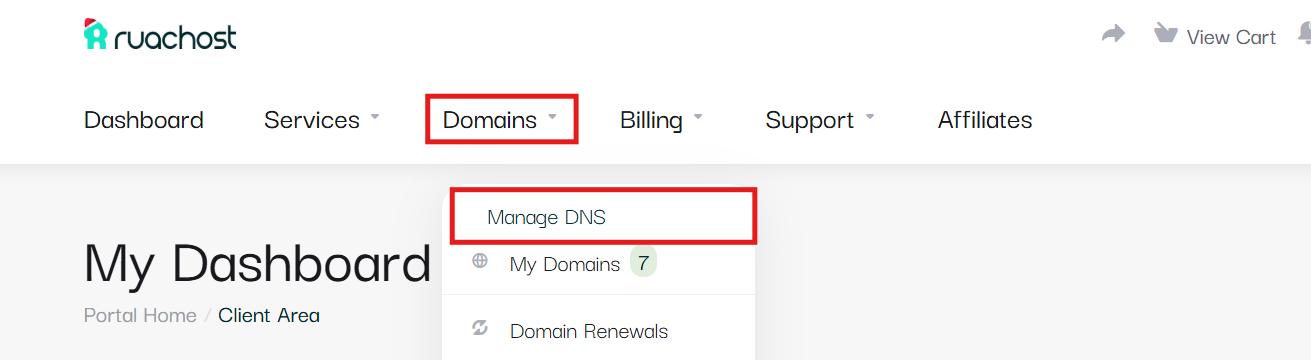
- Navigate to the Domains > Manage DNS.
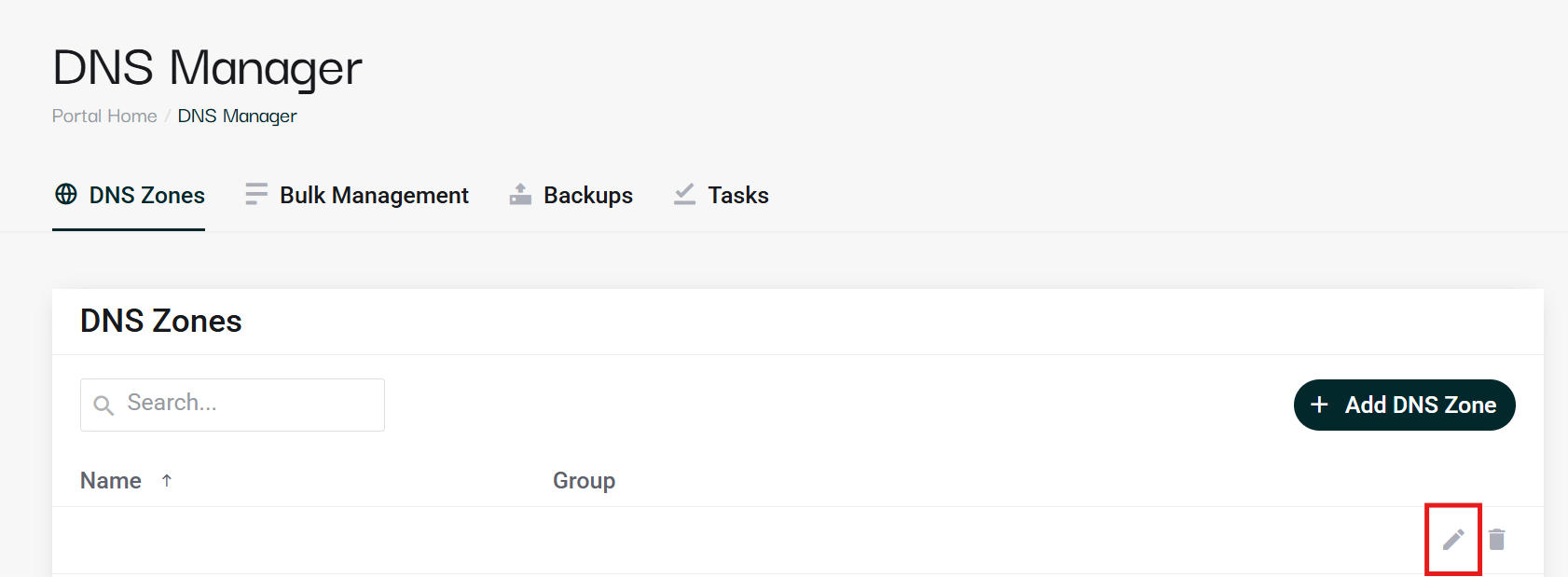
- Navigate to the domain you wish to enable DNSSEC for and click the pencil icon.
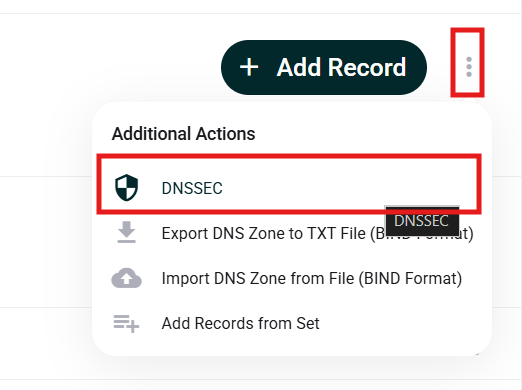
- Click the three dots icon next to the Add Record button.

- Select DNSSEC.
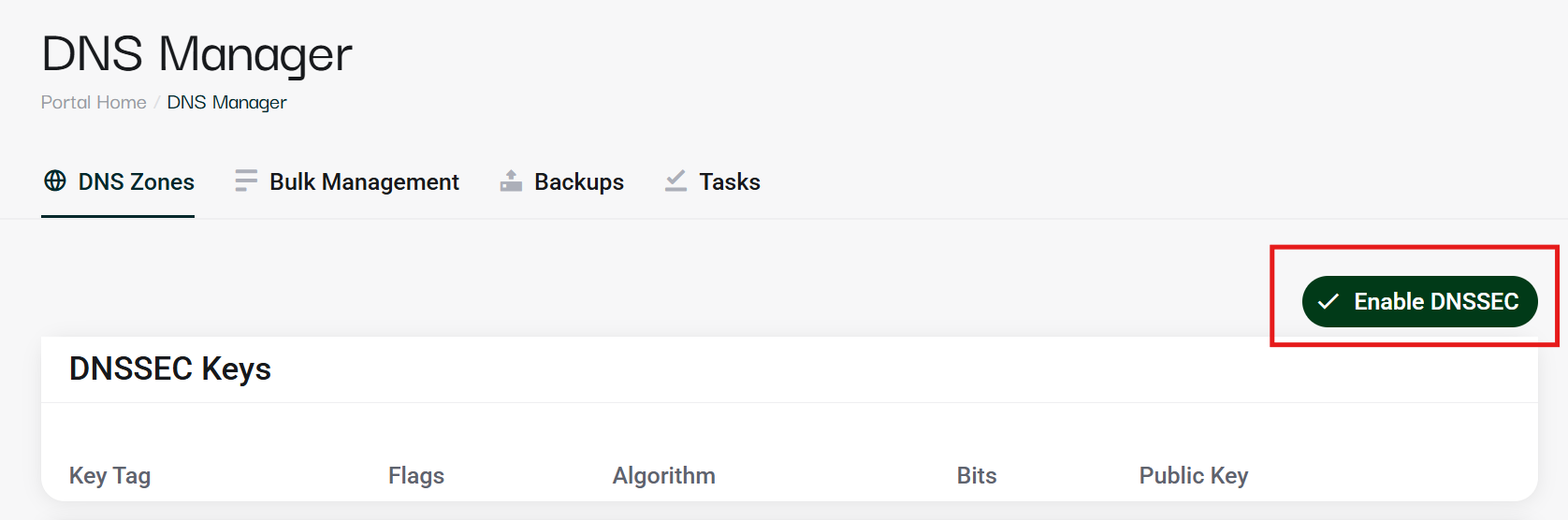
- Click Enable DNSSEC, then fill in the relevant fields and confirm.
If you need any assistance you can reach out to us via chat or open a support ticket.


